Hello Alberta!
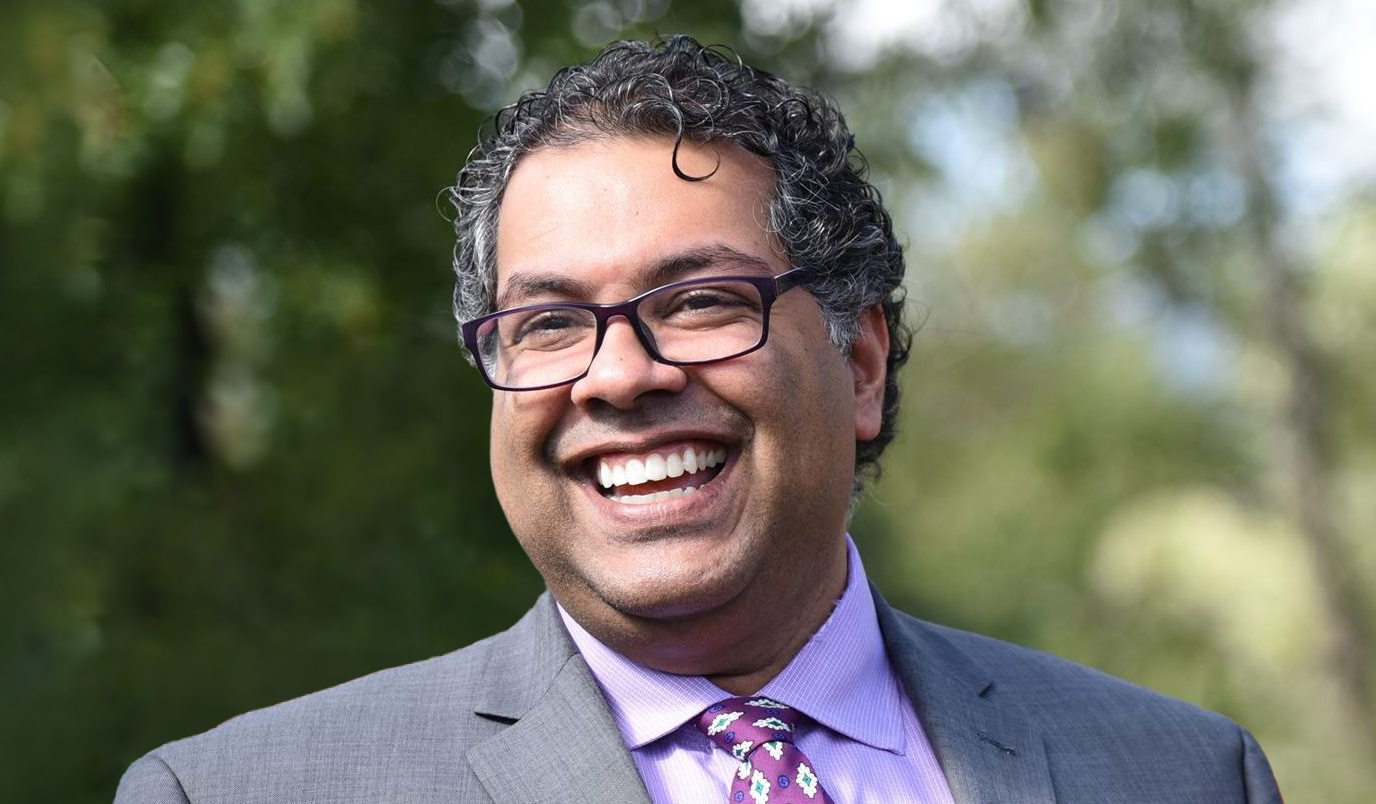
I’m Naheed Nenshi. I grew up here, in Northeast Calgary and in Red Deer County. My family had good times and rough times, but we also always had community and strong public services when we needed them.
I worked in big business and as an entrepreneur. And for 11 years, I got to be the Mayor of my hometown. During my tenure, Calgary was named the third-best City to live in globally, and our residential property taxes were the lowest in the country.
But today, we're facing crises on every front. Too few homes and what's there is unaffordable, while government-sanctioned utility and insurance hikes make life more expensive. Albertans are being asked to accept late ambulances and closed ERs, summers filled with wildfire smoke, no action to protect against flood and drought, and growing class sizes with under-resourced teachers. We watch entrepreneurs struggle with red tape and investment is leaving our province.
The UCP’s response is to distract the public and punish the weak and vulnerable because Danielle Smith only knows how to do two things: pick fights and waste money.
We can do better. Together.
A more prosperous Alberta with a strong economy fueled by innovation and entrepreneurship, supported by high-quality public services and infrastructure.
A more affordable Alberta with a government focused on making it easier for families not only to make ends meet, but to thrive.
A healthier and smarter Alberta, stabilizing and investing in effective public healthcare, great public schools, and post-secondaries.
A fairer Alberta where we protect our seniors and our most vulnerable citizens, ensuring every Albertan can live their life with dignity.
A greener and safer Alberta, proactively addressing climate change and mitigating the risk of fires and continuing drought.
That’s why I’m running to be the Leader of Alberta’s NDP and the next Premier of Alberta.
Together, we’ll continue the legacy of Rachel Notley and those who helped grow this party.
Together, we can deliver a smart, capable government that respects all Albertans.
I can’t do this without your support. Please fill out the form on this page and join our team today.
Let’s start today. For Alberta. For all of us.

You can reach Nenshi campaign team volunteers by text message at (587) 413-0085 or by email at info@nenshi.ca.
If you're looking to confirm if you are an active member of the Alberta NDP, you have a few options:
Yup! A membership is required to vote for Naheed in the leadership race.
Alberta residents aged 14 and up (not just those 18+!), can join. This includes citizens, permanent residents, and students.
The deadline to buy a membership to be eligible to vote in the leadership race was April 22, 2024.
Members will receive the full details about how to vote in early June 2024. Ballots and voting info (including a voting PIN) will be mailed in early June, so be sure to provide an accurate mailing address when you purchase your membership.
Thank you for signing up!
Before you go, please use the buttons below to share this page.